This process is commonly called a NIF address change. Your morada fiscal—the tax address registered with your NIF—is central to official correspondence and your tax status. This illustrated workflow shows how to open an e-Balcão request in the Finanças Portal.
Before you start
- Access to the Finanças Portal: your NIF and password, or Chave Móvel Digital.
- Supporting documents combined into one PDF. Depending on your case, this may include your passport, valid visa or residence document, tenancy agreement and NIF certificate.
- The address in your documents must match the address you request. AT may ask for extra evidence where it differs from AIMA records.
Upload sensitive documents only through the official Portal das Finanças; do not send them by email or social media.
Submitting through e-Balcão: 8 visual steps
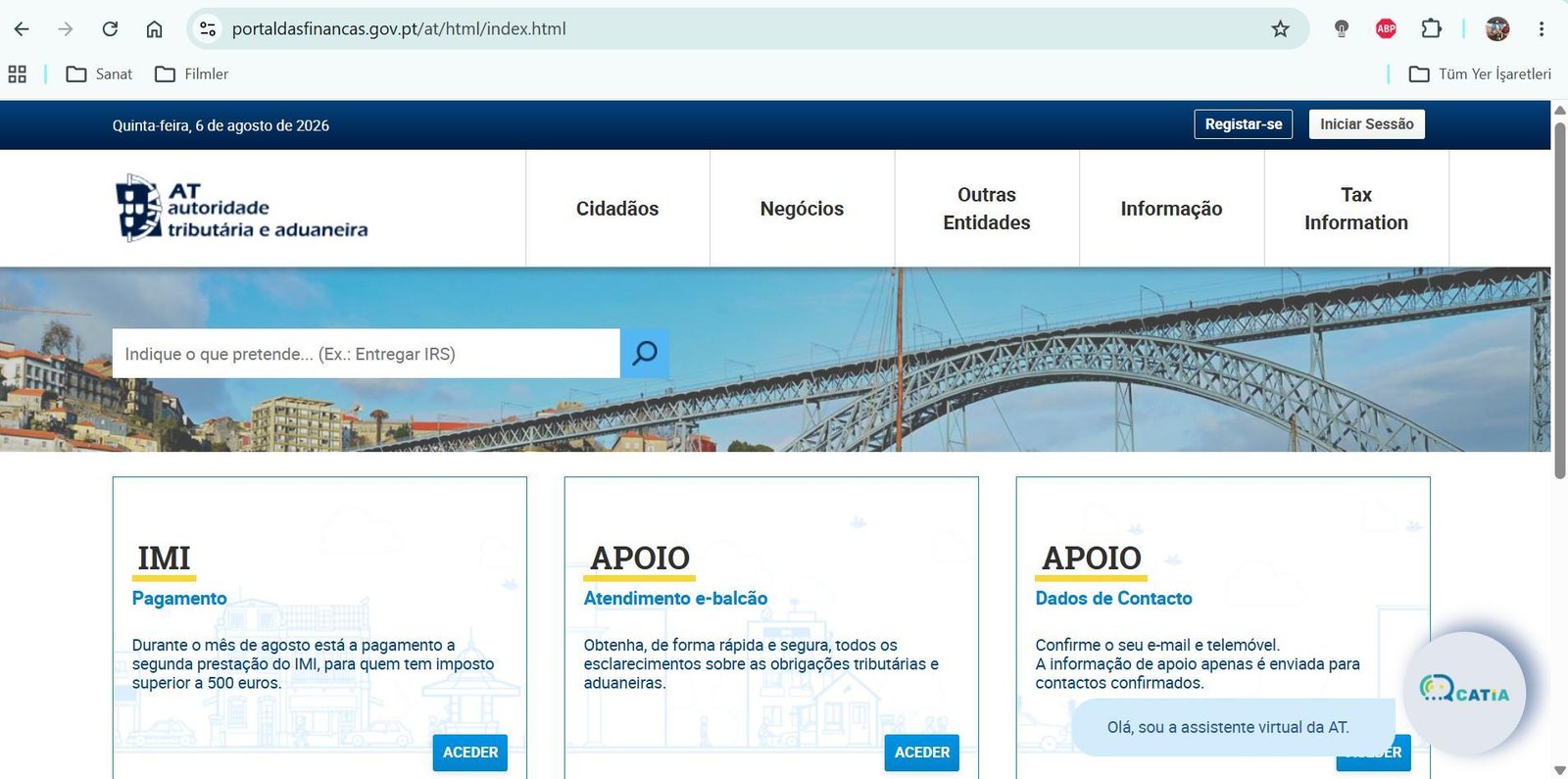
Open Portal das Finanças
Open the Finanças Portal in your browser.
Sign in
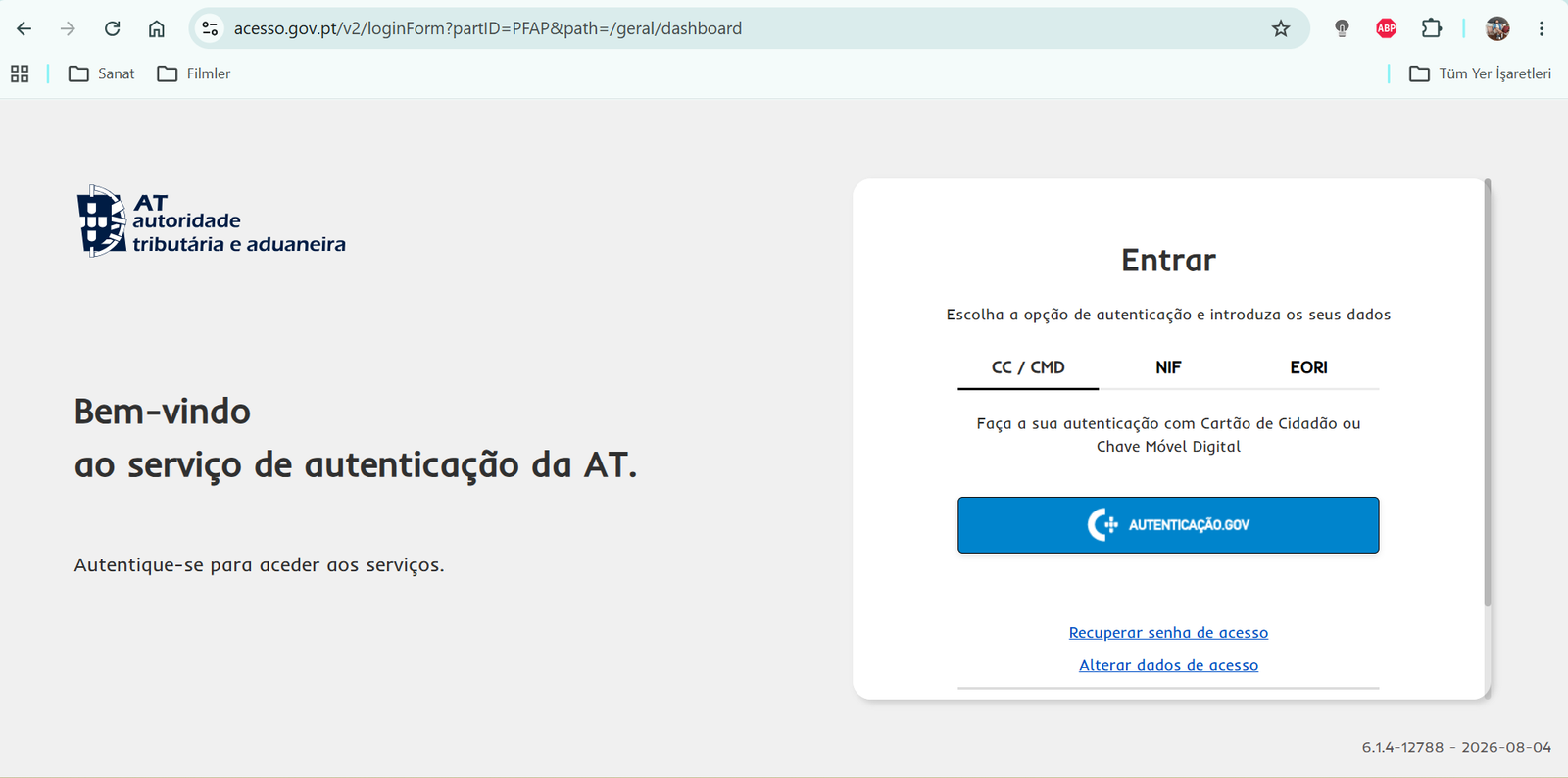
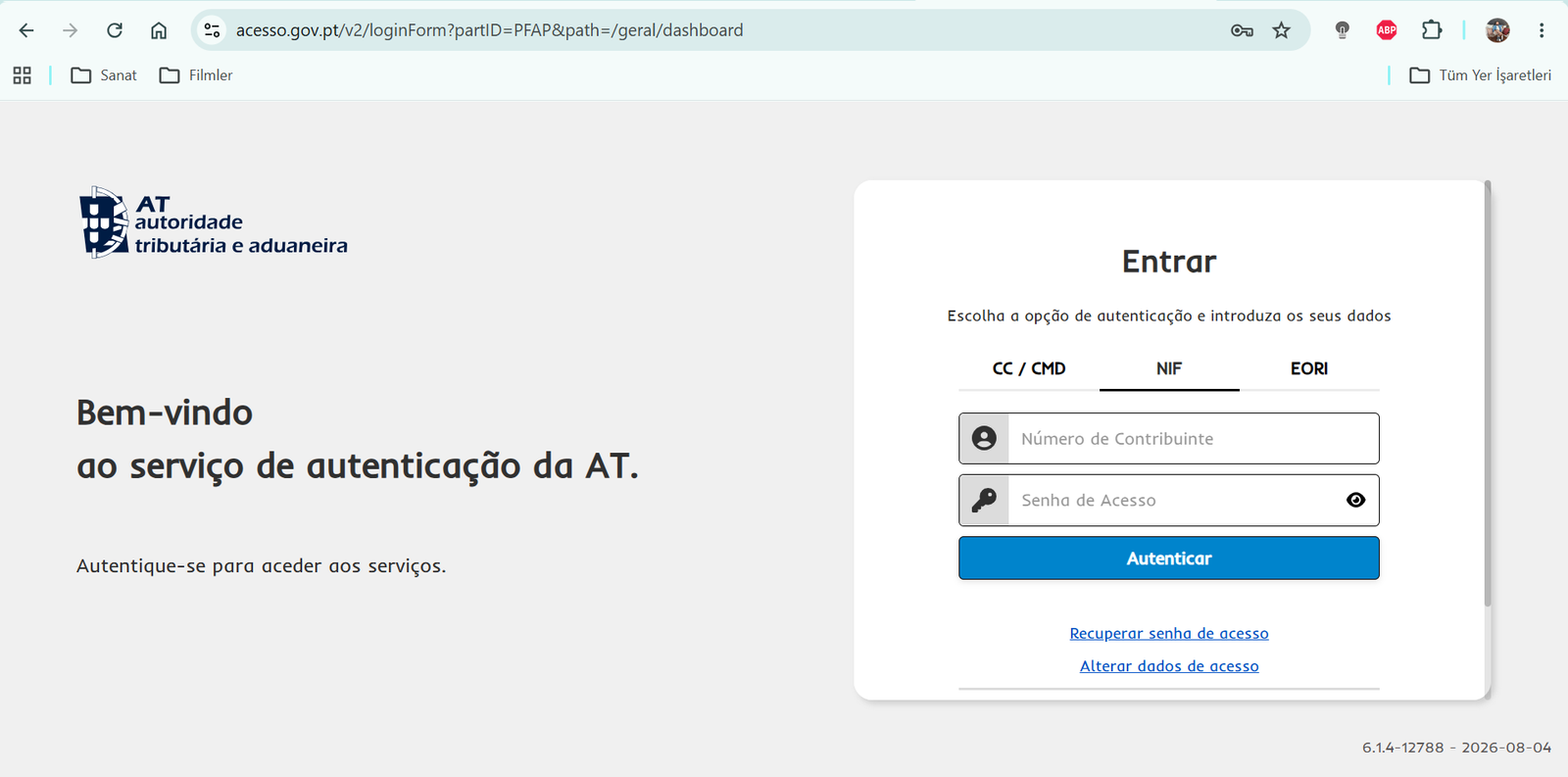
Select Entrar and use Chave Móvel Digital or your NIF and Portal password.
Complete verification
If two-factor verification is enabled, enter the six-digit code sent to your registered phone.
Find e-Balcão
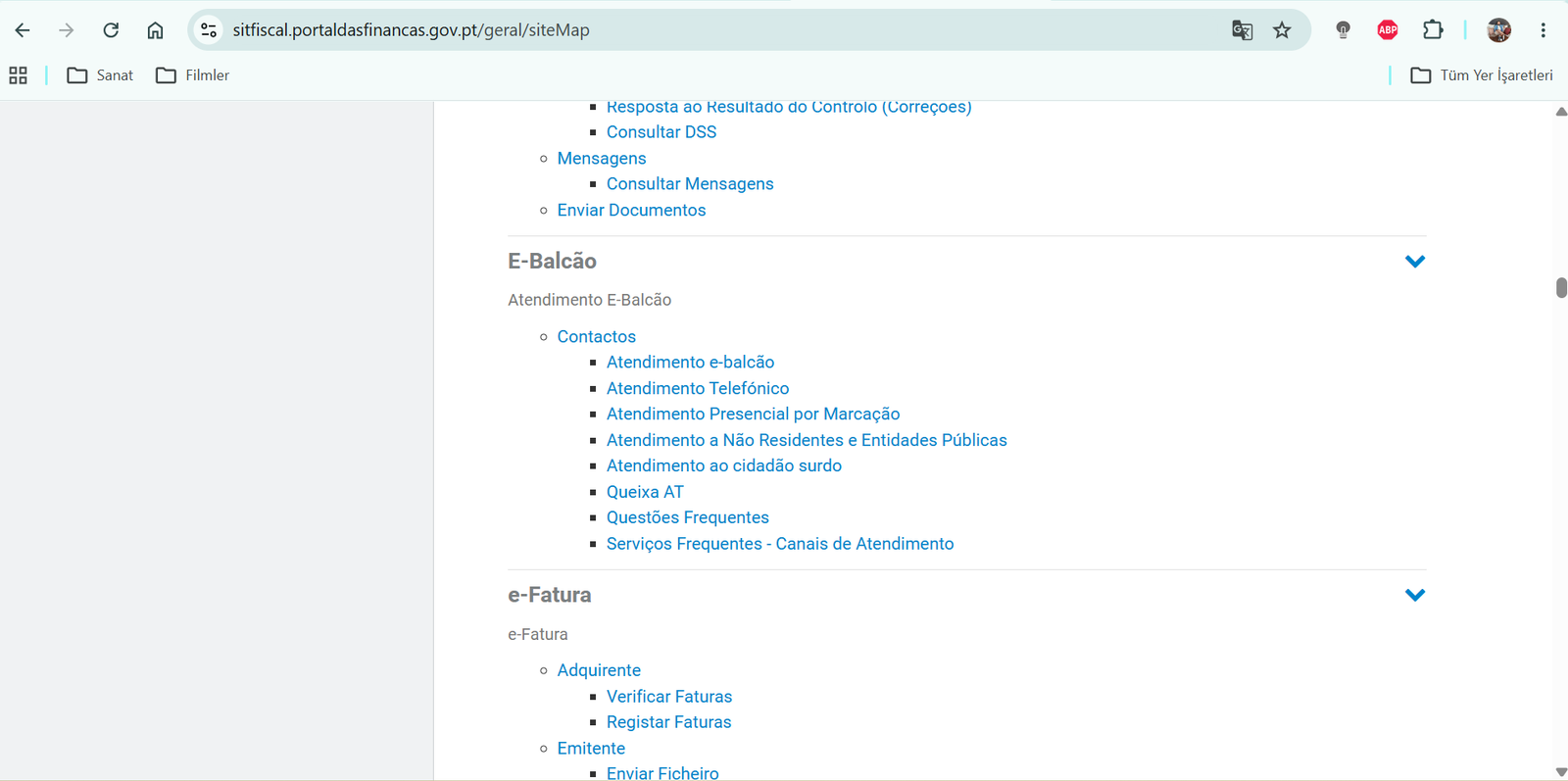
Search for e-balcão, then open Contactos → Atendimento e-balcão.
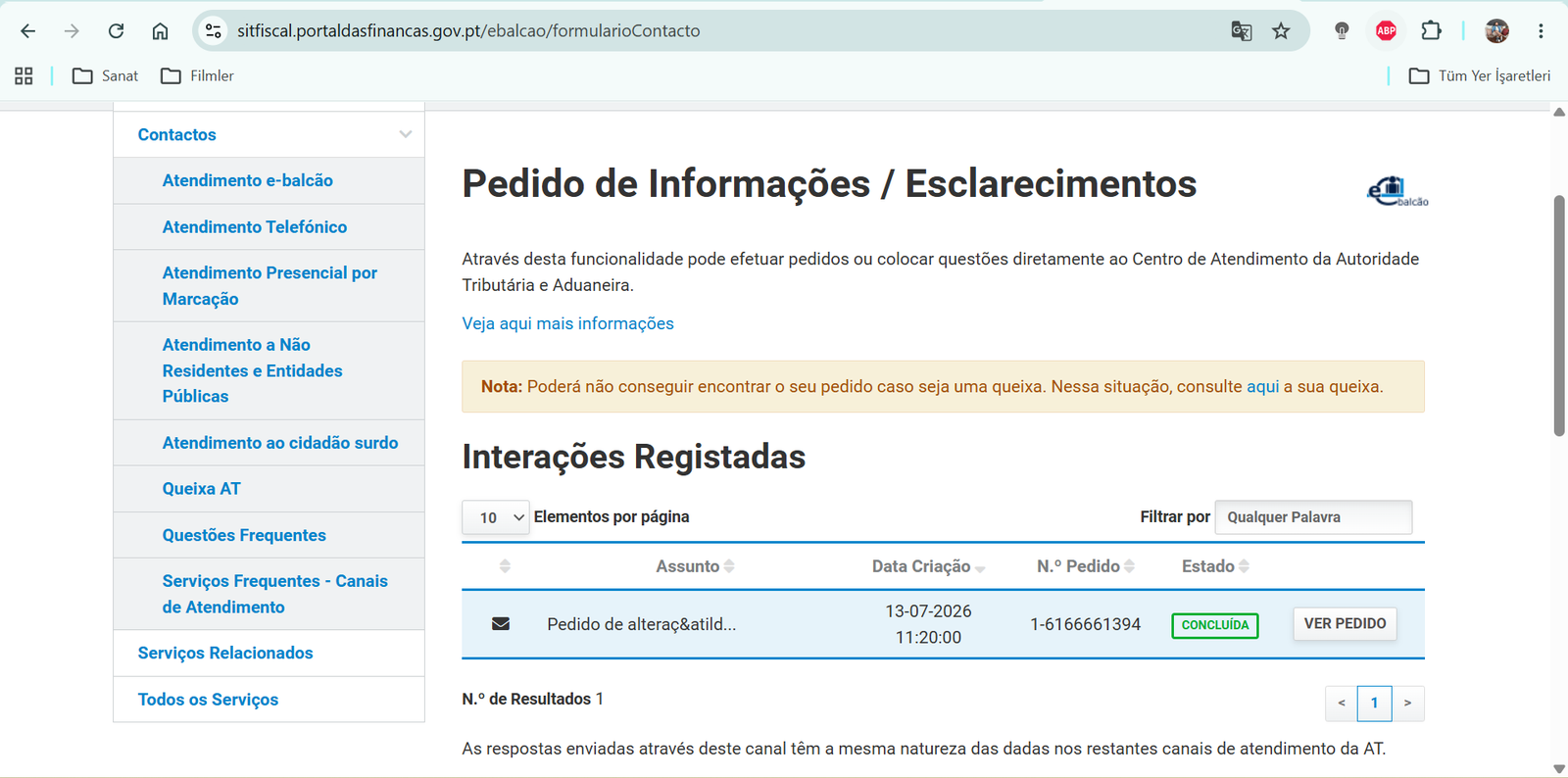
Create a new request
Select Registar nova questão near the bottom of the page.
Choose the category
The form asks you to select the tax topic and contact channel.
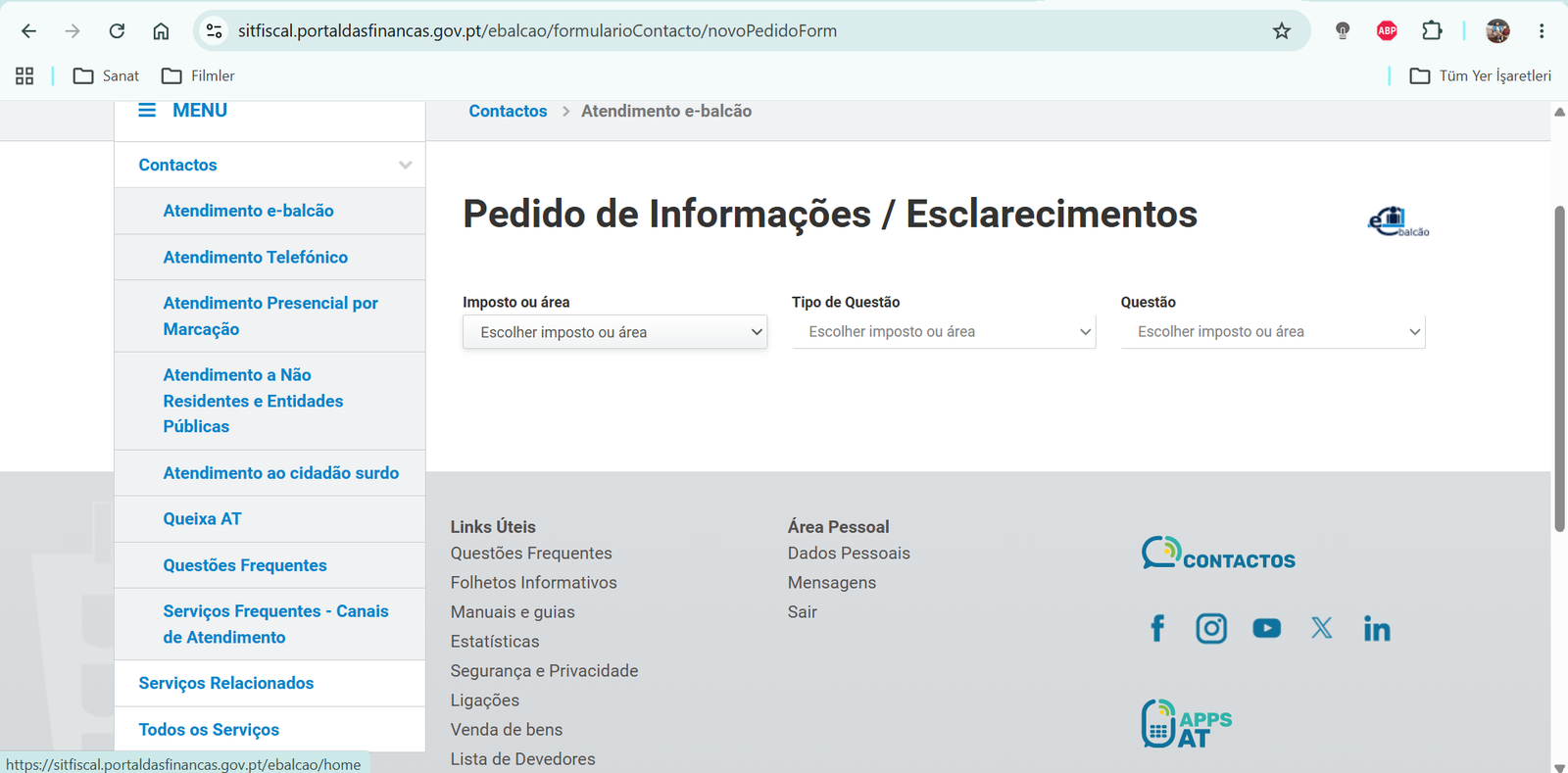
Use the correct headings
Tipo de Questão: Identific
Questão: Alteração Morada / Singulares
For Assunto, you can use Pedido de alteração de morada fiscal para Portugal.
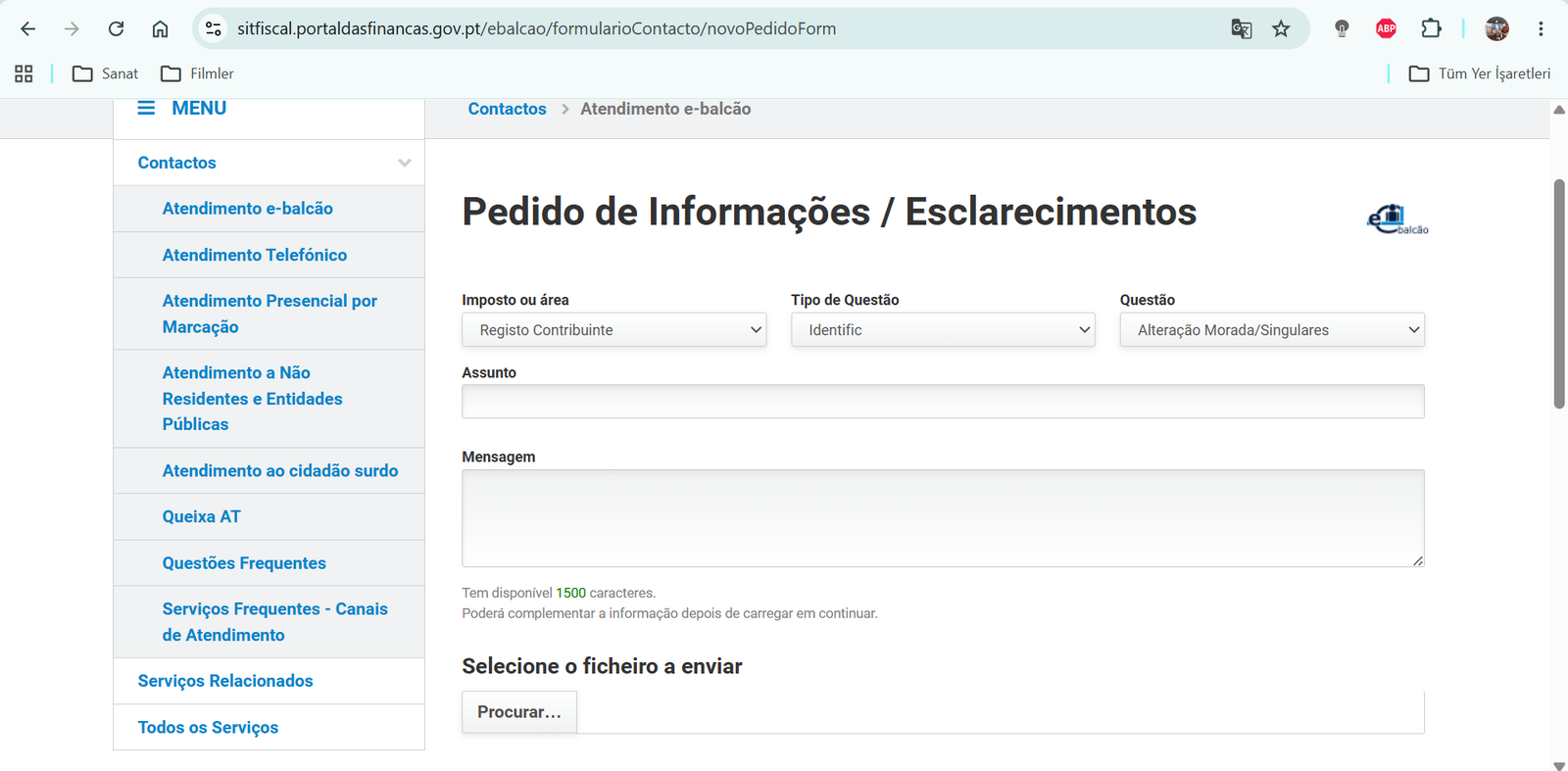
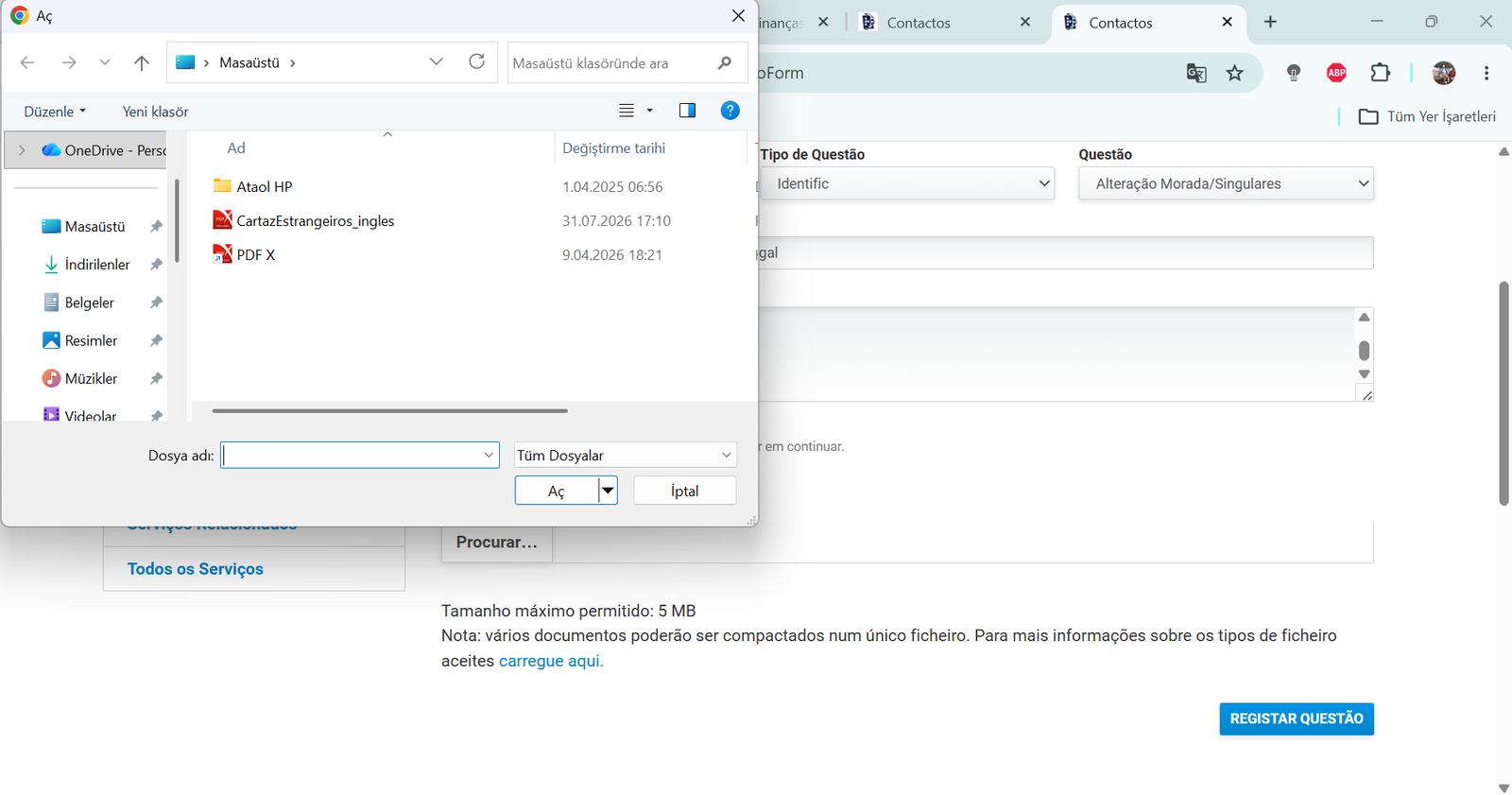
Write the message and attach one PDF
Adapt the sample below and upload supporting documents as one PDF. Requirements vary by case, so follow any extra request made by the system or AT.
Sample message in Portuguese
What happens after you submit?
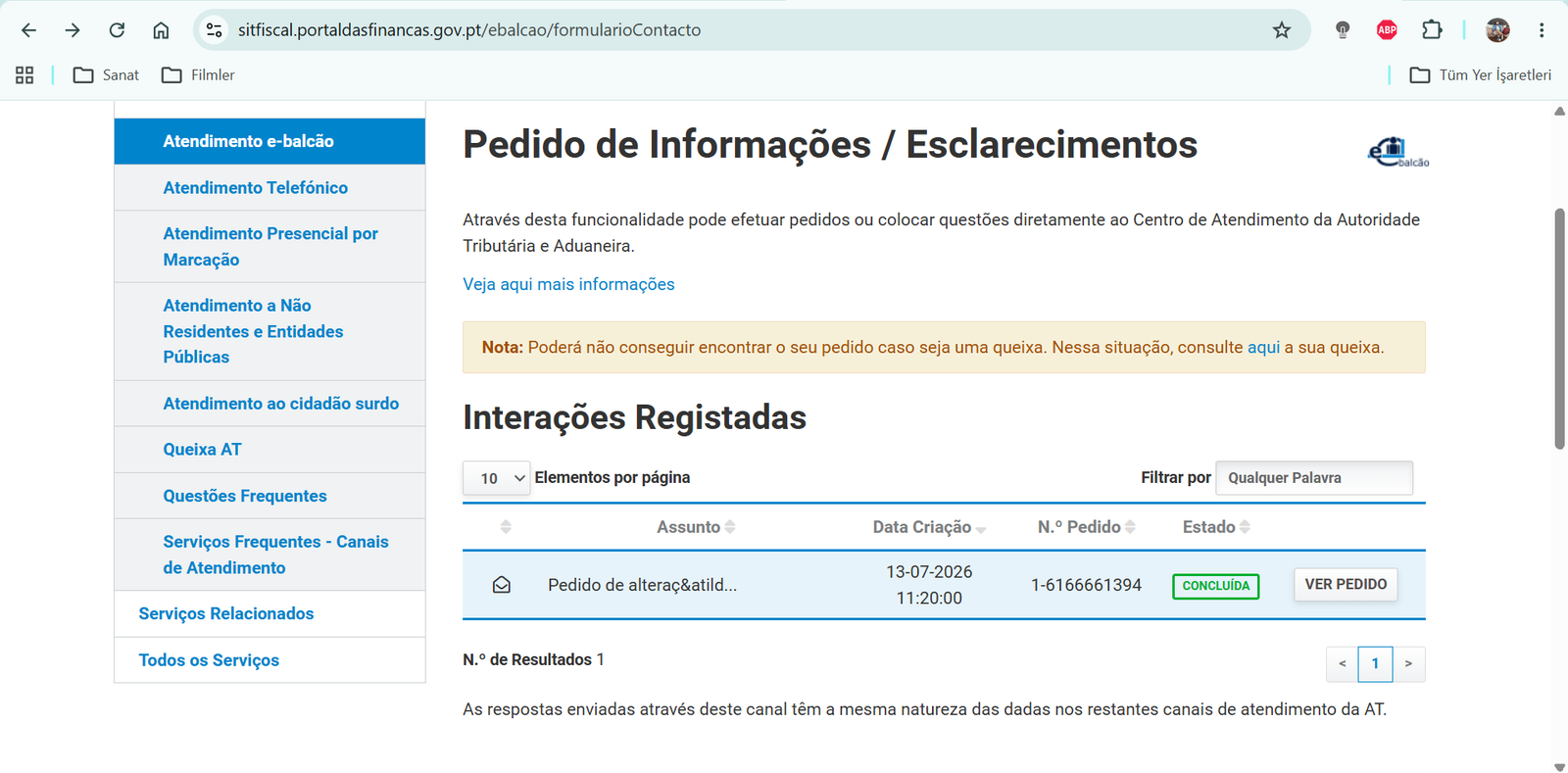
Track the request under Contactos → Atendimento e-balcão → Interações Registadas. When the status is Concluída, the case has been completed. Some address changes also require entering a confirmation code delivered by post to the new address.
Official information
Check the current guidance before submitting. For a move from non-resident to resident status, AT identifies the e-Balcão route as Registo Contribuinte → Identific → Alteração Morada/Singulares. For resident foreign nationals, Dados Cadastrais → Morada → Entregar Pedido de Alteração may be appropriate.
Official sources: AT: Address · AT: non-resident to resident change.